Add a sports schedule PDF to your calendar, for any league
College teams publish calendar feeds. Youth leagues, club teams and school sports hand you a PDF, a photo of a printout, or an email from the coach. Here is how to get a whole season onto the calendar in one go, and what to do when two kids play on the same Saturday.
Three ways to get a season onto the calendar
| Method | Works when | Effort |
|---|---|---|
| Retype it | Always | Twenty minutes for a twelve-game season, again when the schedule changes |
| Subscribe to a feed (.ics) | The league or a team app publishes one (TeamSnap, SportsEngine and most college athletics sites do; most youth leagues do not) | One link, kept up to date automatically |
| AI import | You have a PDF, a photo, an email or a web page | Attach it, check the cards, tap Add; the whole season at once |
AI Calendar does all three. Published calendar links are subscribed to like any feed. For everything else, attach the schedule on the Add screen (or forward the coach's email to your family's private address) and every game and practice becomes a card.
What a season import looks like
- Home and away are read from the schedule, with the field or gym's address when it is listed, so each game gets a leave-by time.
- Practices that repeat (“Tuesdays and Thursdays, 5:30 to 7”) become a series with the season's end date.
- Tournaments become one event spanning the weekend, so the whole family sees the days blocked out.
- Who it is for. The “Whose calendar?” chooser puts the season on the player's calendar; the parents can edit it and the family sees it.
Two kids, two leagues, one Saturday
This is where a shared calendar earns its keep. The week view shows both kids' games side by side, each with its own leave-by time from home or from the other game, and the driver on each event. When the second game's leave-by time lands before the first game ends, the conflict shows up in the morning summary so you can sort out the carpool on Thursday instead of Saturday morning.
When the schedule changes
Rained out, moved to the other field, pushed to 10:00: type the change into the box on Today (“Move Saturday's game to 10 at the east field and tell Mike”) and the AI changes the existing event and sends the message. Every change it makes shows in Activity, with undo.
See a real week of practices and games
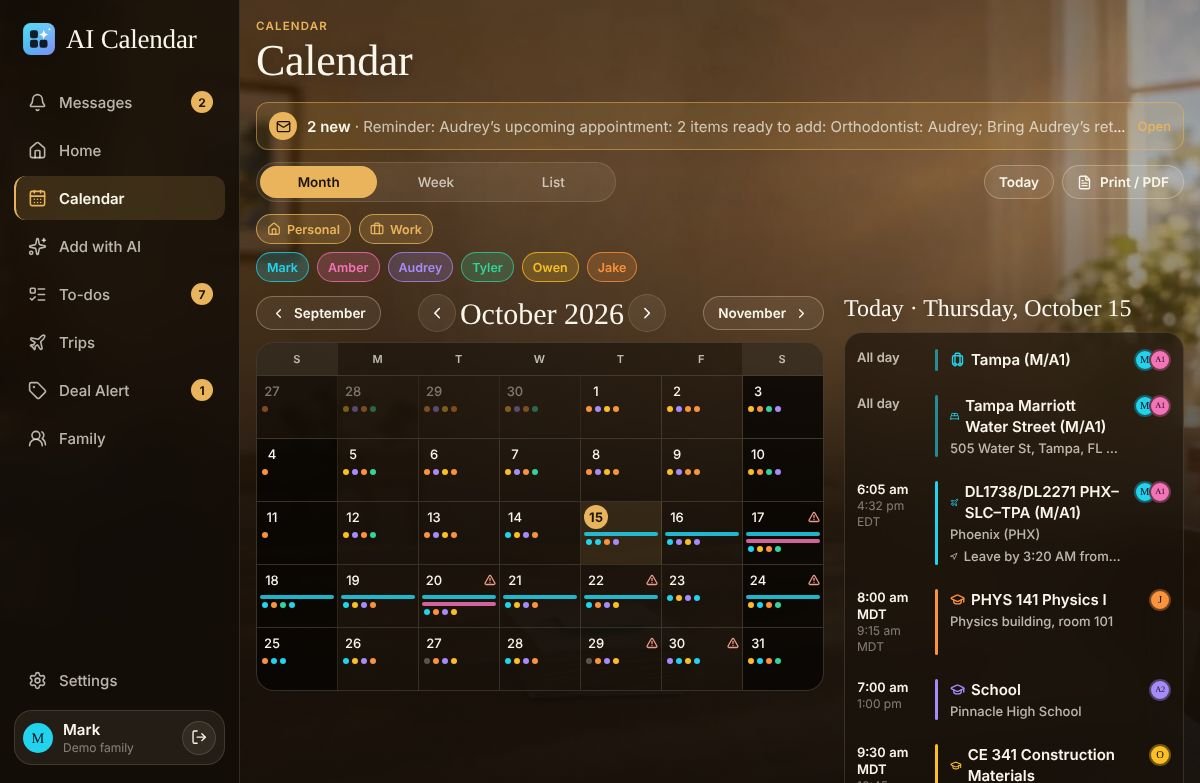
The demo family has school, three college schedules, a Hawaii trip from two airports, a wedding, a concert and a game, all this month. No account needed.
Questions people ask
- Does it work with a photo of the printed schedule?
- Yes. Snap it with the phone app or through the QR-code upload page; the same cards come back.
- Can the coach’s TeamSnap or SportsEngine calendar be added directly?
- If the team app gives you a calendar link (an .ics feed), paste it on the Calendars screen and it stays in sync on its own.