The family calendar that tells you when to leave
Most calendars remind you 30 minutes before an appointment, whether it is across the street or across town. AI Calendar works out a leave-by time for every drive, from wherever you will actually be, and checks it against live traffic before you go.
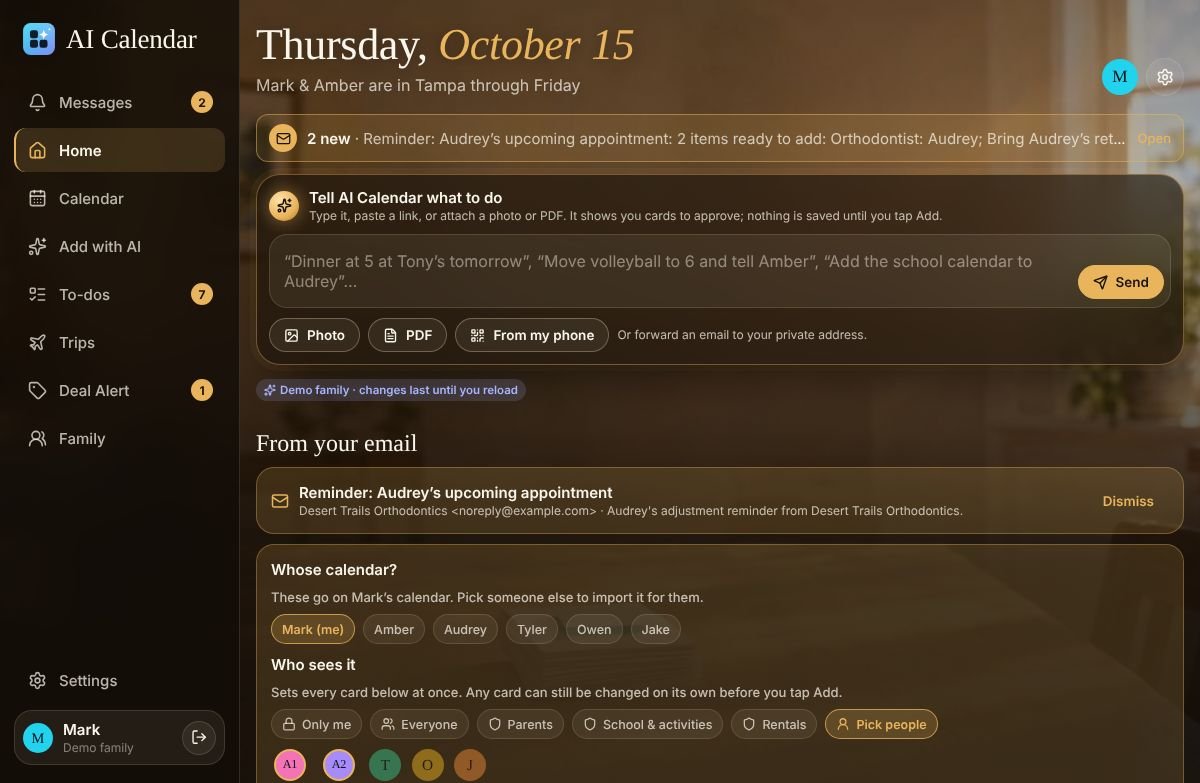
How a leave-by time is worked out
Every event with an address gets a drive. The drive starts from home, from work, or from the event before it, whichever is where you will be, so the 4:00 orthodontist appointment after a 2:30 meeting downtown is measured from downtown, not from your driveway.
- Your buffer, your way. Add minutes, a percentage of the drive, or both. A parent who likes to be ten minutes early sets ten minutes; a drive to the airport gets 25% extra.
- Who is driving. An event carries its driver. A kid's practice shows the leave-by time on the parent who is taking them, and the family sees who is where.
- Online meetings get no drive. A Teams, Zoom, Meet or Webex link means the event is online, so there is no leave-by time and no false alarm.
Live traffic, checked twice
On the paid plans you can switch on live traffic. Drives over 8 miles are then checked against Google's live traffic when the event is planned and once more shortly before you leave, at a time you pick. Shorter drives use an estimate, which keeps the number of traffic checks down. Published road-closure feeds (Arizona's AZ511 today, more as they are added) are read too, so a closed on-ramp moves the leave-by time before you notice.
When the recheck finds a slower road, a message lands in the message center at the top of every screen on the web and as a notification on your phone: “Leave by 2:05 for the orthodontist; the 51 is slow.” No text-message fees, nothing to set up.
Compared with the other ways to get a time-to-leave alert
| Option | What it does | What it needs | Family view |
|---|---|---|---|
| Apple Calendar “Time to Leave” | An alert based on travel time to the event's location (iOS 18 and later, per iPhone Life) | Location Services, an address on the event, Apple Calendar | Per person; nobody else sees it |
| Waze Planned Drives | A reminder when it is time to leave for a drive you planned in Waze | Calendar sync, complete addresses, location set to “Allow all the time”; not supported on CarPlay or Android Auto (per Waze's help page) | Per driver |
| Fantastical | Travel time and time-to-leave notifications | Premium subscription (per its pricing page) | Family plan up to 5, personal use |
| AI Calendar | Leave-by time from home, work or the previous event; live traffic and road closures on paid plans; rechecked before you go | An address on the event; live traffic switched on (paid) | The whole household, with the driver on the event |
Competitor details were read on October 14, 2026 and may have changed; check their pages before you decide.
What it costs
Leave-by times with an estimate are part of every plan. Live traffic comes with Individual ($79/year) and Household ($99/year, up to 6 people). Each paid plan includes a monthly allowance of live-traffic checks that covers a normal family's driving; Traffic Plus ($24/year) raises it for people who drive a lot. You can see all of it in the demo family without an account.
Questions people ask
- Does the leave-by time use live traffic on the Free plan?
- No. Free plans get a leave-by time from an estimate. Live traffic and road-closure checks come with the Individual and Household plans, and you switch them on in Settings.
- How far ahead is the drive rechecked?
- Once, shortly before you leave, at a lead time you choose (45 minutes by default). One recheck keeps traffic calls to a minimum; the first check happens when the event is planned.
- Does it work for kids’ appointments?
- Yes. The event carries who is driving, and the leave-by time shows on that parent’s Today screen and phone, measured from wherever that parent will be.