Turn a school newsletter into calendar events
A school newsletter has five dates buried in eight paragraphs. Forward it once, and AI Calendar pulls out the dates, shows you a card for each, and puts the ones you approve on the family calendar.
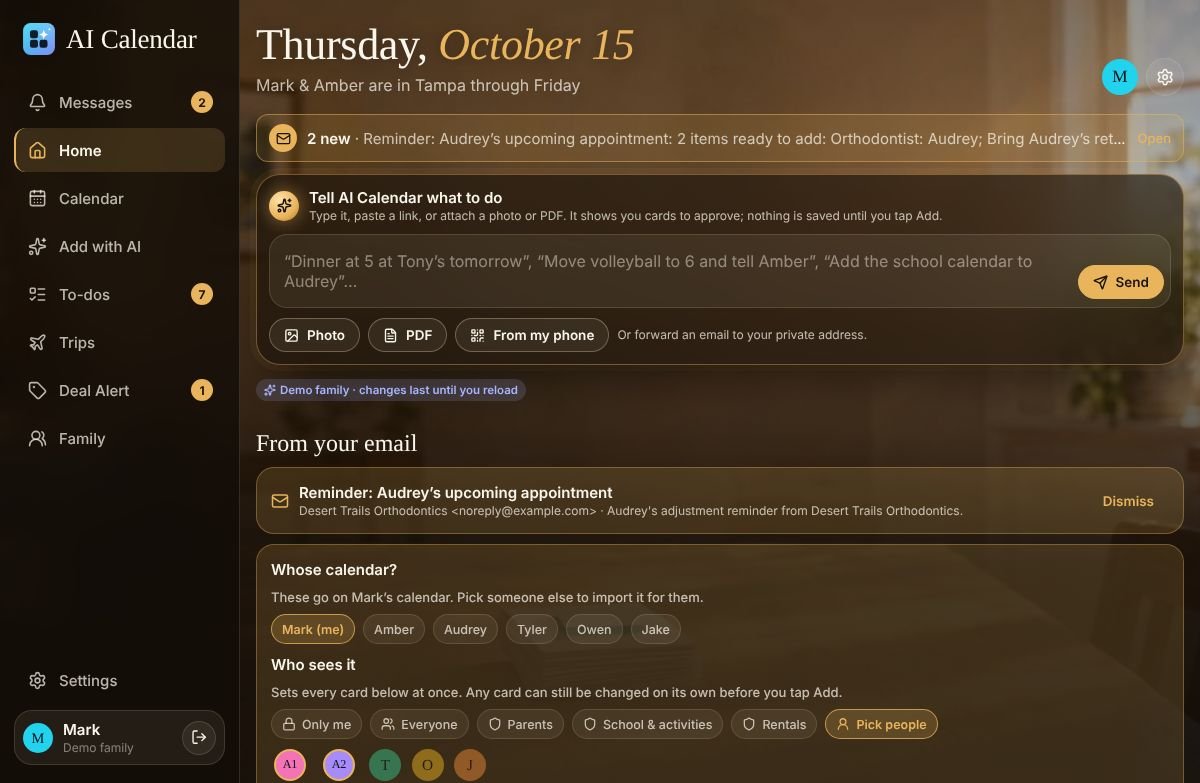
One newsletter, five events
A typical October newsletter: picture day on the 16th, early release Friday, the book fair all next week, the fall concert at 6:30 on the 28th, and no school on the 31st. Forwarded to your family's private address, it comes back as five cards:
- Picture day, Oct 16, all day, on the kid's calendar, with a to-do for the order form.
- Early release, Oct 17, 12:15 p.m., with the pickup leave-by time on whoever is driving.
- Book fair, Oct 20 to 24, one event spanning the week, not five.
- Fall concert, Oct 28, 6:30 p.m., at the school's address, visible to the whole family.
- No school, Oct 31, all day.
Each card says what it read and where it was unsure (“6:30 without a.m. or p.m., read as p.m.”). You fix anything, choose whose calendar it belongs on, and tap Add.
Three ways to send it
- Forward the email. Every member has a private address at
in.getaicalendar.com. Forward the newsletter from any mail app, or set a rule in Gmail or Outlook so the school's emails forward themselves. - Paste it. Copy the newsletter text or its link into the Add box on Today.
- Photograph it. The paper version in the backpack works too; see flyer to calendar.
What to double-check
- Dates without a year. The AI assumes the next time that date comes around; a newsletter sent in December about January is read correctly, but check anything near a year boundary.
- “Every Wednesday” items. They become a repeating series; confirm the end date, which newsletters often leave out.
- Which kid. A newsletter from the middle school goes on the middle-schooler. The “Whose calendar?” chooser is there for the parent doing the forwarding.
Compared with the other ways
Cozi Max (its “AI Event Import”) and Skylight's Calendar Plus (“Magic Import”) also read forwarded school emails; both are paid tiers, both are read on October 14, 2026 at about $79 a year, and Cozi's works only in its mobile app. Smart Calendars AI and Agenda Hero read newsletters for one person's calendar. AI Calendar reads them onto a shared family calendar with a leave-by time on anything that has an address, and puts the dates on the right child's calendar. See the Cozi comparison and the Skylight comparison.
See it with a real week
The demo family has school, three college schedules, a Hawaii trip from two airports, a wedding, a concert and a game, all this month. No account needed.
Questions people ask
- Does it work with a newsletter that is a PDF attachment?
- Yes. Forward the email with the attachment, or attach the PDF on the Add screen. Links to a newsletter web page work too.
- Will it add things I do not want?
- No. Every date becomes a card, and only the cards you tap Add on are saved. Skip the ones that are not yours.
- How many newsletters can I forward?
- Each forwarded email is one AI import. Paid plans include 100 a month; a family with three schools uses a handful.