AI Calendar vs Skylight Calendar
Skylight is a touchscreen for the kitchen wall with a family calendar on it, and a subscription (Calendar Plus) that adds Magic Import for forwarded emails. AI Calendar is the app-first version: the same shared calendar on every phone, tablet and browser, with schedule import, leave-by times and price watching, and no hardware to buy.
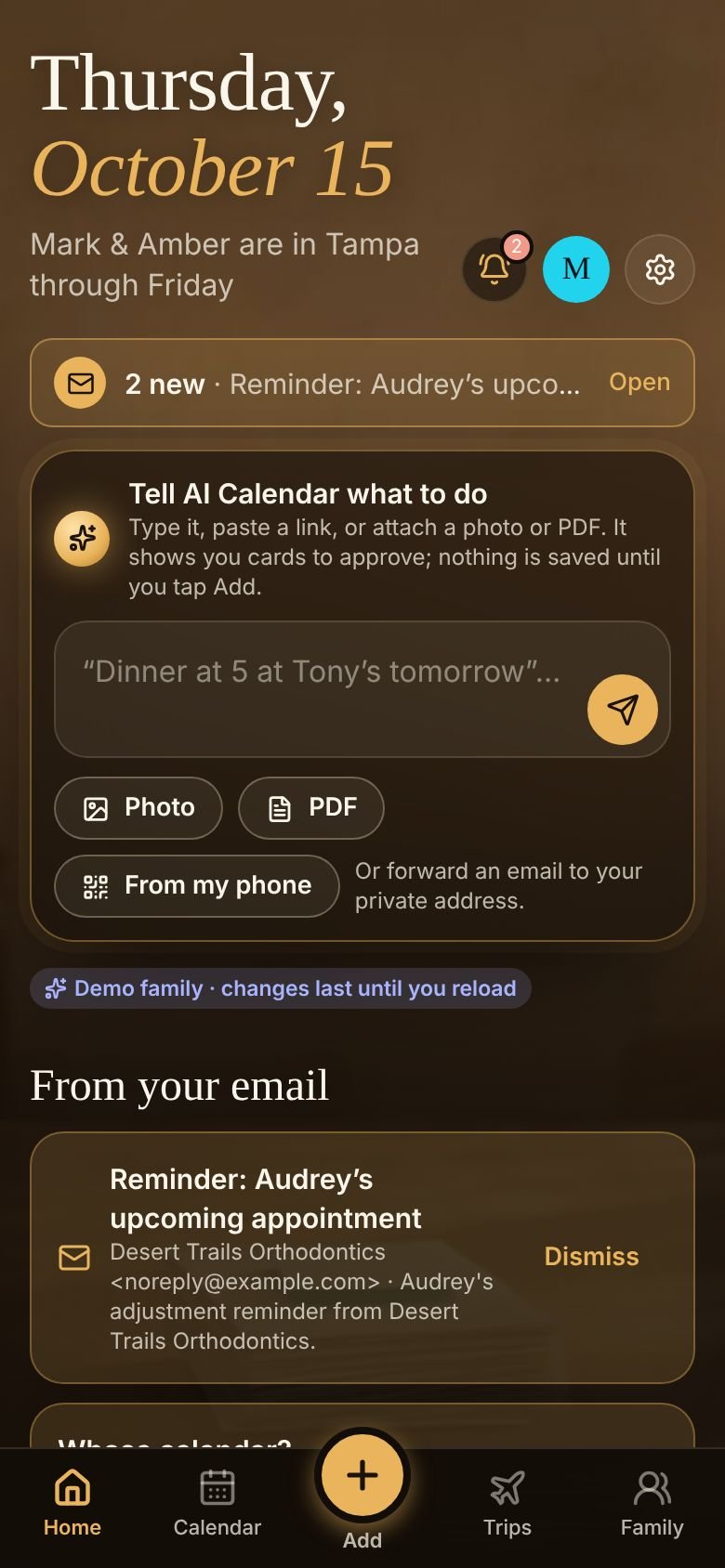
Side by side
| Skylight Calendar | AI Calendar | |
|---|---|---|
| What it is | A wall display (several sizes) with a companion phone app | An app in any web browser today; iPhone and Android apps coming soon |
| Price | The display, plus Calendar Plus at $79/yr for Magic Import, Sidekick and meal planning | Free (one person); Individual $79/yr; Household $99/yr for up to 6 people |
| Import from email and paper | “Magic Import” (Plus): forward emails with text, PDFs, images, spreadsheets or screenshots to your device's address; events need a visible month and date | Forward, snap, paste or type from any device; cards you approve; onto any member's calendar |
| Travel time / leave-by | No | Leave-by times with live traffic and road closures on paid plans |
| Price drops on booked travel | No | Deal Alert: flights, hotels, rental cars |
| Calendar sync | Syncs with Google, Apple, Outlook and others | Two-way with Google Calendar and Outlook; feed for Apple Calendar |
| Kitchen wall | Yes, that is the point | Any tablet in a stand shows the week view |
| Chores, meals, photo screensaver | Yes | To-dos only; no meal planner |
Skylight's prices and features were read from myskylight.com and its help center on October 14, 2026 and may have changed. Display prices vary by size and promotion.
Where Skylight is enough
If the thing your family needs is a big calendar on the wall that everyone glances at, and someone is happy to type events in or forward emails to it, Skylight does that well and its screen is nicer than a tablet in a stand. Buy the display, skip Plus until you want the import.
Where AI Calendar is the better fit
- The calendar needs to come with you. Leave-by alerts arrive on the phone in the car; the wall display cannot follow you.
- The schedule arrives as a photo in a group chat. Snap it from any phone, approve the cards, done; no forwarding to a device address.
- You want the booked travel watched. Flights, hotels and rental cars already on the calendar are checked for price drops. See what to do when a flight price drops.
- Several kids, several calendars. A parent imports onto the right child's calendar and the sharing groups decide who sees it.
Both can coexist: Skylight syncs with Google Calendar, and so does AI Calendar, so a family can keep the wall display and run the imports, leave-by times and Deal Alert from AI Calendar.
See it with a real week
The demo family has school, three college schedules, a Hawaii trip from two airports, a wedding, a concert and a game, all this month. No account needed.
Questions people ask
- Does AI Calendar need any hardware?
- No. It runs in a browser and in the phone apps. A tablet on the counter shows the same week view a wall display would.
- Can Skylight and AI Calendar share one Google Calendar?
- Yes. Both sync with Google Calendar, so events added through AI Calendar appear on a Skylight that is synced to the same account.